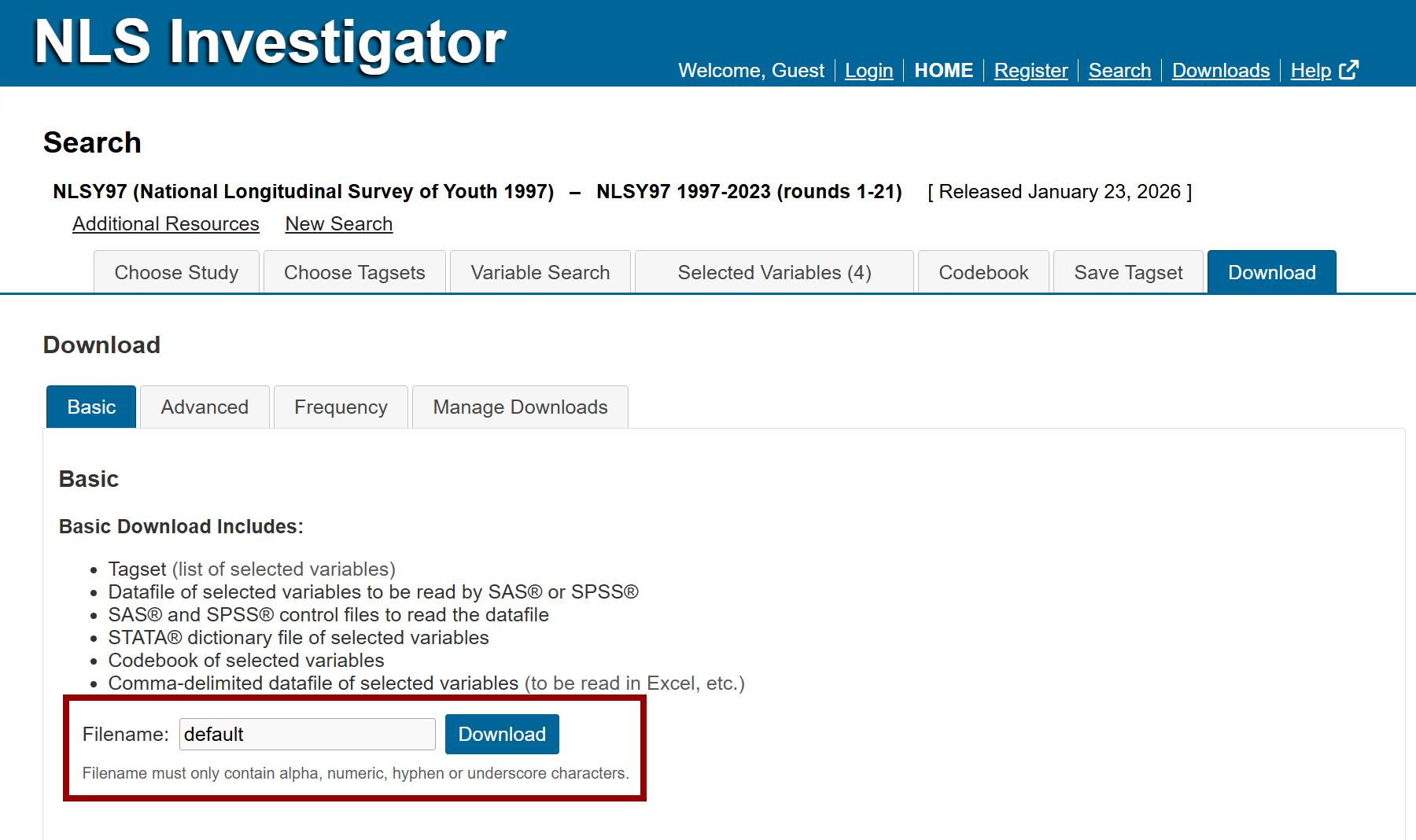
The Basic Download sub-tab, the first option within the Download tab, generates a data extract using preselected file formats based on the variables listed in the Selected Variables tab.
The Basic Download includes:
- Tagset (list of selected variables)
- Datafile of selected variables to be read by SAS® or SPSS®
- SAS® and SPSS® control files to read the data file
- STATA® dictionary file of selected variables
- Codebook of selected variables
- Comma-delimited data file of selected variables (to be read in Excel, etc.)
An R source file option is available in the Advanced Download sub-tab.
How to conduct a basic download
Similar to saving a tagset, enter a filename for the download package in the Filename field and click the Download button to generate the files. If no filename is provided, it will be labeled, default.
Note: Filenames may contain only letters, numbers, hyphens (-), and underscores (_). The downloaded files will be packaged in a .zip file.
The download status will appear under the Manage Downloads sub-tab, the fourth option within the Download tab. The results of a Basic Download will be listed in the downloads list using the filename previously entered. Click the corresponding filename link in the Name column to download the .zip file.
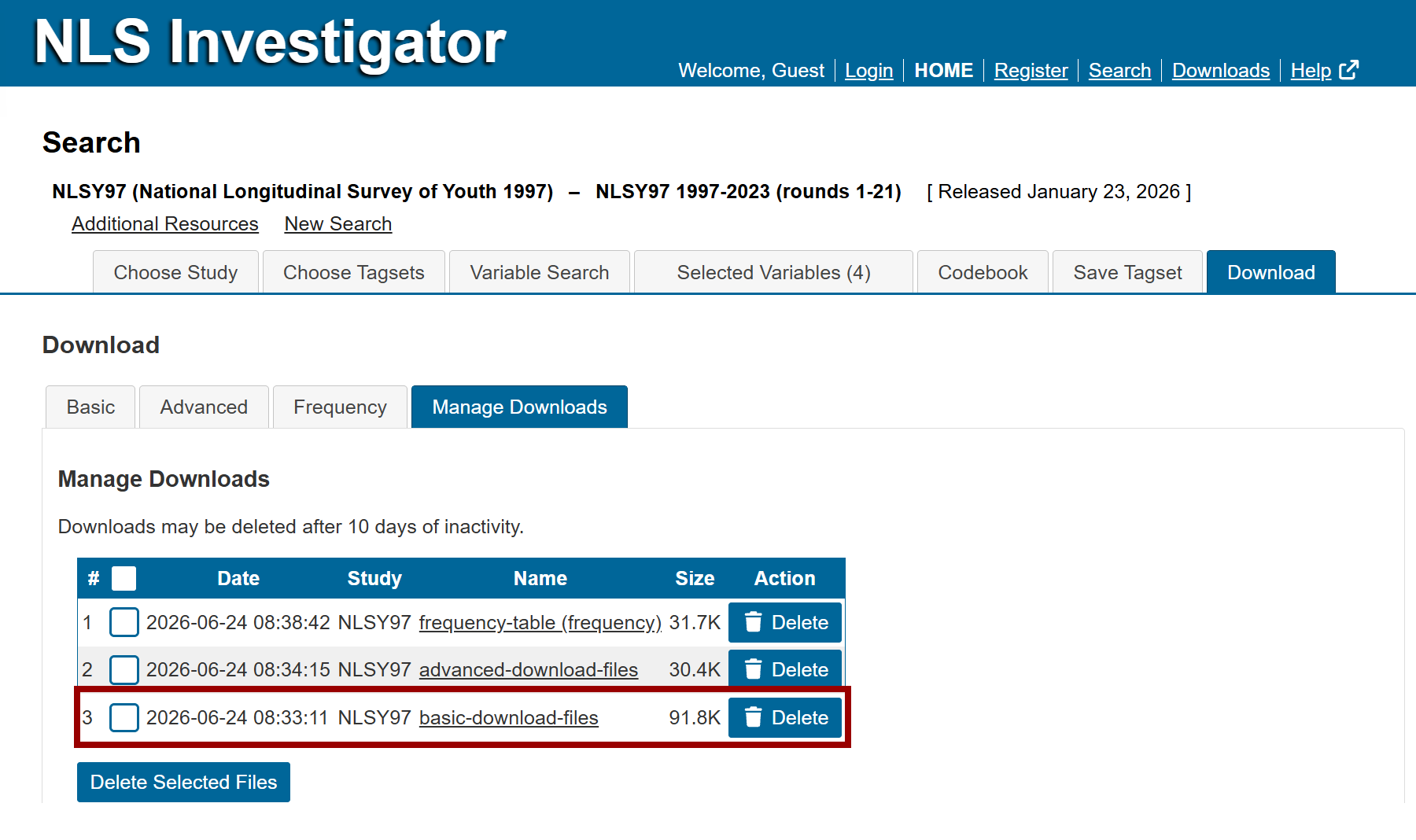
Note: Downloads may be deleted after 10 days of inactivity.
Zip file contents of a basic download
The files generated will have the following extensions and contents:
- .NLSY97 (or whichever cohort used) is the tagset used to open up the same list of variables at a later date (text file)
- .log is the log file from the download process (extract - text file)
- .dat is a data file to be read in by SAS or SPSS
- .sas is a SAS program to read in the data set
- .sps is a SPSS program to read in the data set
- .do is a STATA program to redefine the variables
- .dct is a STATA dictionary file of selected variables
- .cdb is a codebook of the selected variables (text file)
- .csv is a comma delimited file to be read in by Excel and other software
Next: Advanced Download
Previous: Download Options
Quick links: Table of Contents | Glossary of NLS Terms