Save downloads on the NLS Investigator server
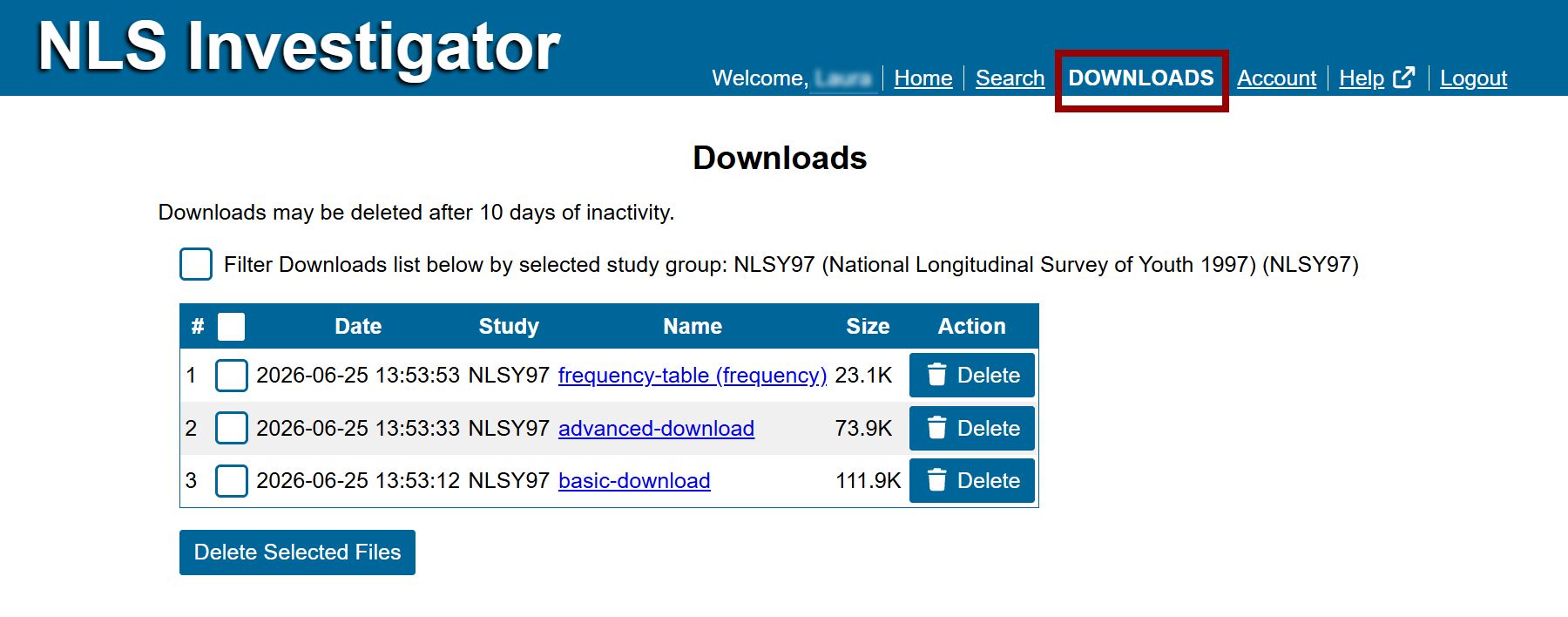
A Downloads link will appear in the main menu when a registered user is logged in. The corresponding page permits you to open and manage extracts from previous sessions stored on the server.
Account settings
Personal information and preferences
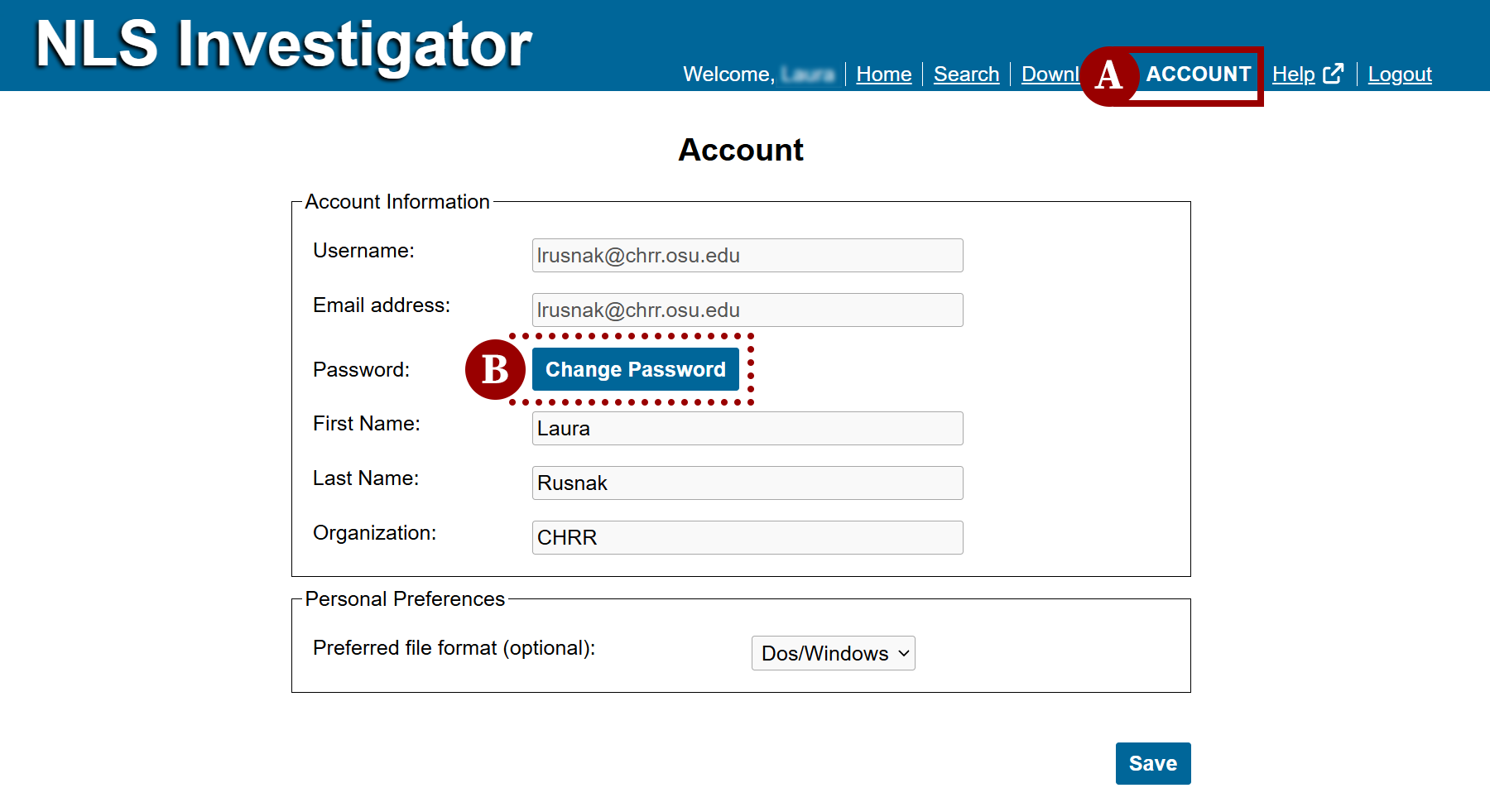
The Account link (marker A) will appear in the main menu when a registered user is logged in. It leads to your account information and preference settings where you can:
- Update personal information. Your email address is required and all other information is optional.
- Change your password (marker B).
- Set your personal preferences:
- Preferred file format of Dos / Windows or Unix for data download.
Change your password
The Change Password feature is available in your account preferences when you are logged in. To update your password, click Change Password and complete the form with the following information:
- Enter the old account password.
- Enter a new password.
- Note: Your password must be 8 characters or more.
- Re-enter the new password to confirm.
- Click the Save button.
For additional assistance, contact NLS User Services with questions about NLS data or using the NLS Investigator.
Next: Importing Data
Previous: Manage Downloads
Quick links: Table of Contents | Glossary of NLS Terms