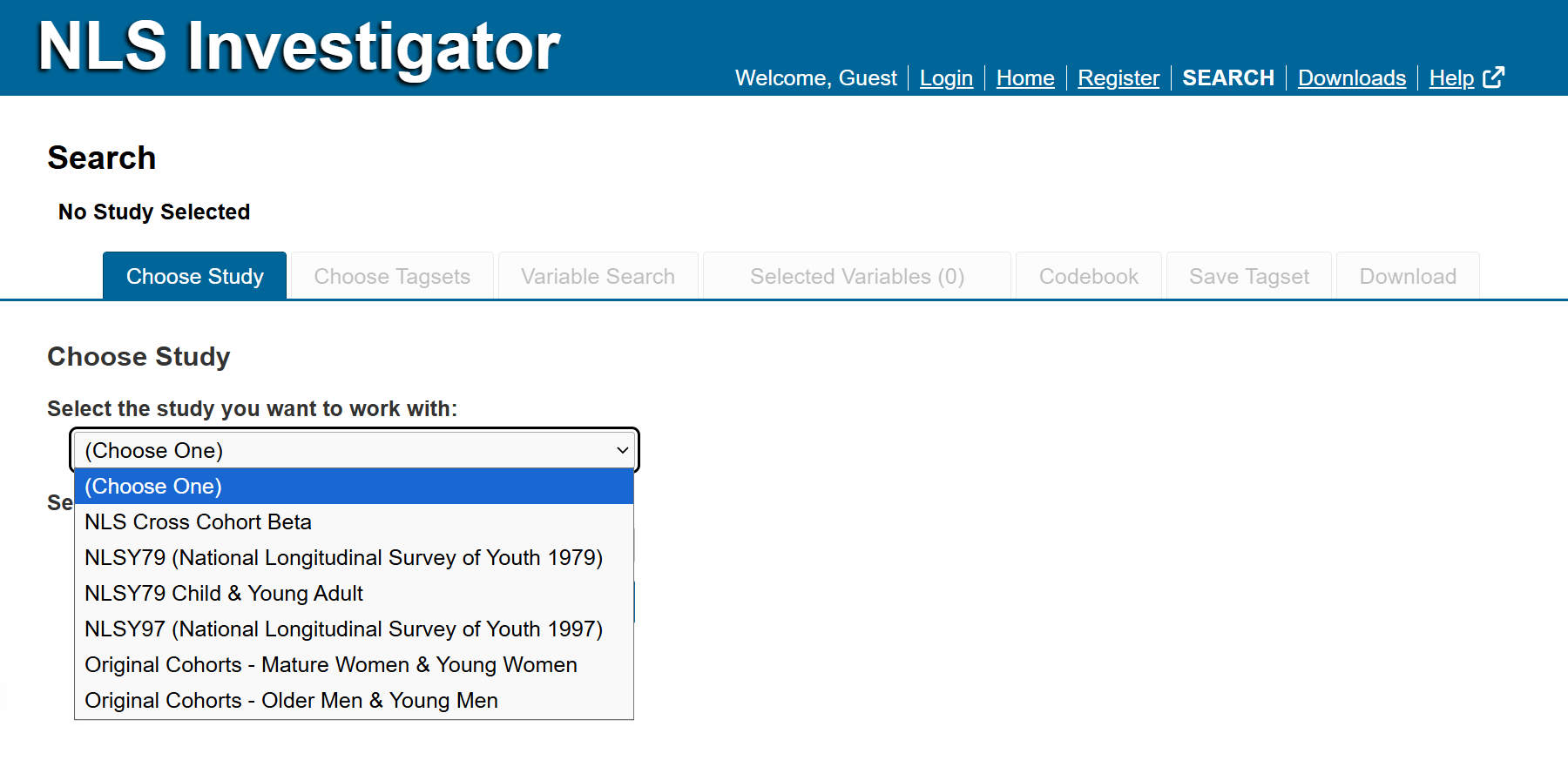
To get started in the NLS Investigator, go to the Choose Study tab, first tab from the left, and select a study (cohort). Use the drop-down menu to browse the available studies and choose the one you would like to work with. Options include:
- NLS Cross Cohort Beta
- NLSY79 (National Longitudinal Survey of Youth 1979)
- NLSY79 Child & Young Adult
- NLSY97 (National Longitudinal Survey of Youth 1997)
- Original Cohorts - Mature Women & Young Women
- Original Cohorts - Older Men & Young Men
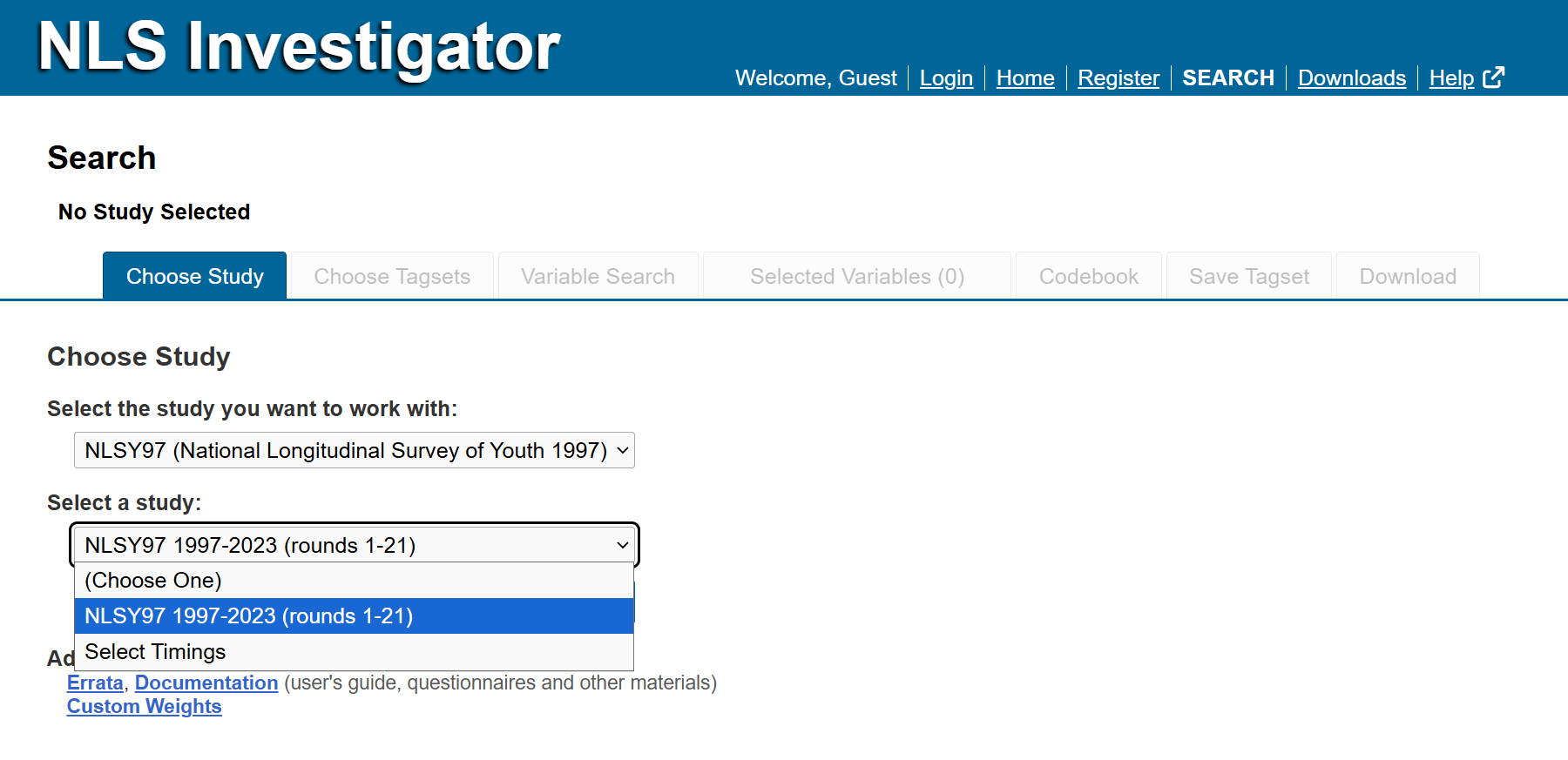
Some studies will have additional sub-studies to choose from in a second drop-down menu.
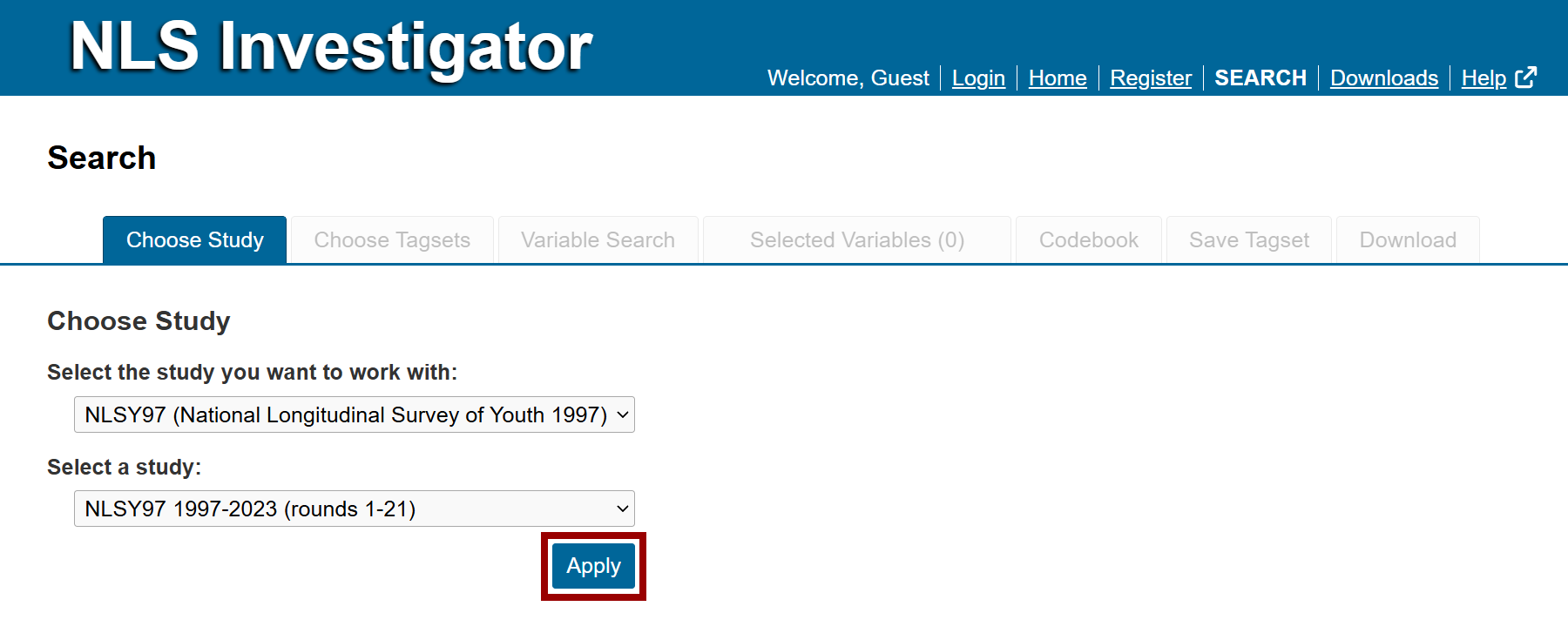
Once the study is selected, click Apply to load the corresponding study (cohort) information.
Next: Choose Tagsets
Previous: NLS Investigator Navigation
Quick links: Table of Contents | Glossary of NLS Terms