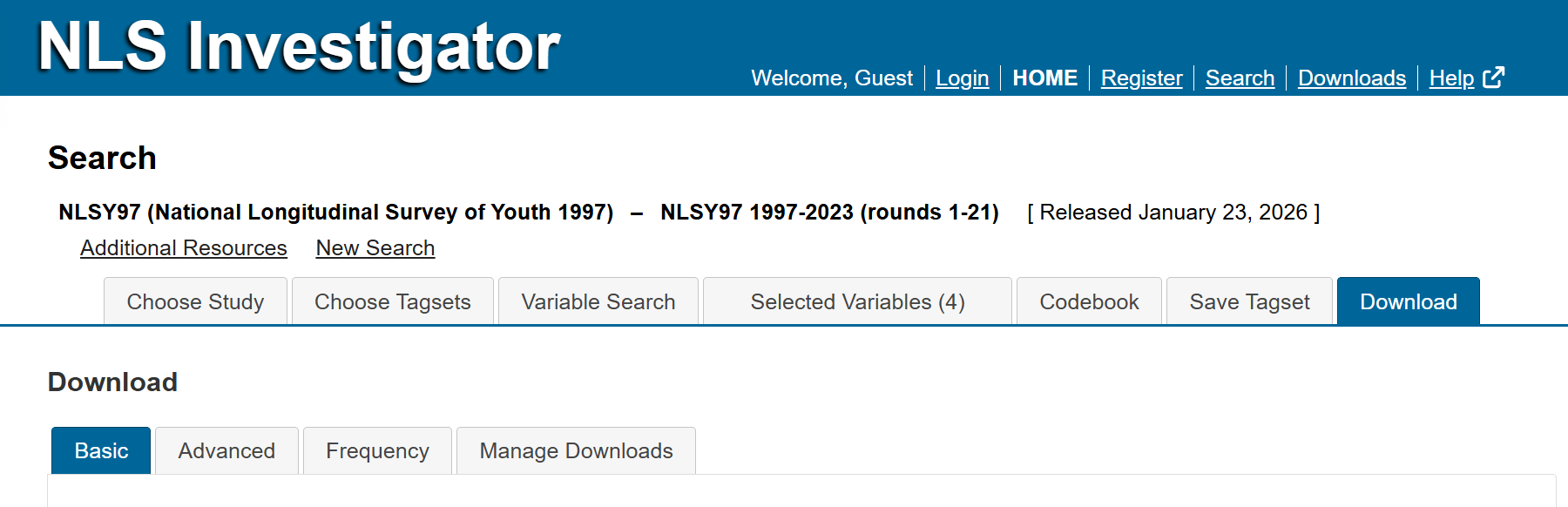
The Download tab, the last tab from the left, provides options for downloading tagsets using the Basic and Advanced extraction functions, creating frequency tables, and managing downloads from the current session and, for account holders, previous sessions.
The Download tab contains a secondary tab panel with four sub-tabs:
- Basic Download, the leftmost sub-tab, is used for standard data downloads.
- Advanced Download, second sub-tab from the left, provides additional download options and customization features.
- Frequency / Table, third sub-tab from the left, generates frequency distributions for selected variables.
- Manage Downloads, fourth and rightmost sub-tab, is where you can view, access, and manage completed download requests.
Next: Basic Download
Previous: Save Tagset
Quick links: Table of Contents | Glossary of NLS Terms